Tabs Overview
Edit Mode Settings
- There are the following modes:
Single mode
Brush mode
Line mode
Area mode
Destroy mode
Tileset area
Translate mode
Create template mode
Each mode contains unique settings, that described in more detail here Modes Overview.
Random TRS
Random TRS tab is used for randomization position, rotation or scale of the object.
Main randomize tab shows which random is enabled

- Select which angle and axis of rotation to randomize.

- Enter randomize local position relative to spawn position.

- Enter value and axis of scale to randomize.

Override Settings
In the override settings tab you can override parent object, :ref:`MapTile <maptile>` layer for non-overlay objects, and override unity layer.
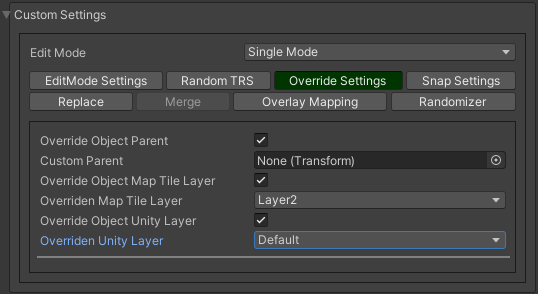
Override object parent : a custom parent for the override.
Override MapTile layer : a custom MapTile layer for the MapTile objects.
Override Unity layer : a custom Unity layer for the objects (Default, TransparentFX, Ignore Raycast, Water, UI, etc…).

Note
For overlay MapTile objects or default game objects (without MapTile component) you can’t override MapTile layer.
Snap Settings
In snap settings you can adjust the Y-axis object snap settings.
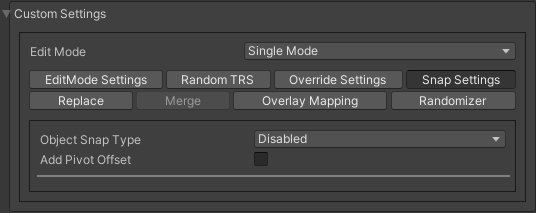
Object Snap Type
Auto Snap
Objects are automatically attached to the surface, depending on the parameters.
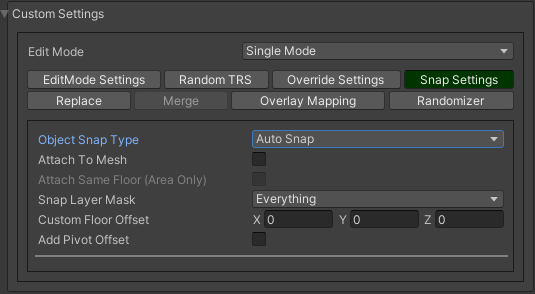
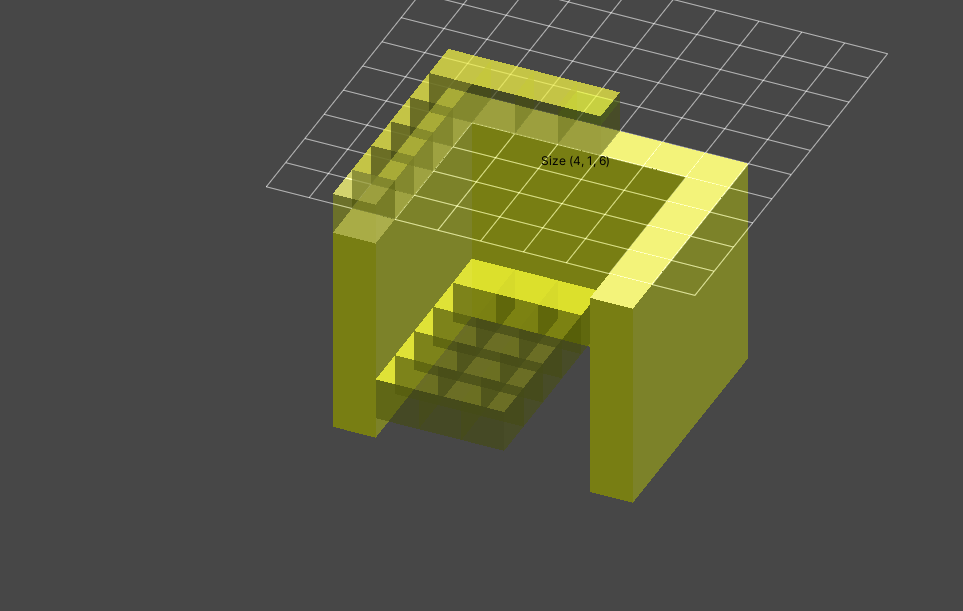


Some tile objects may have a pivot point in the centre of the object.
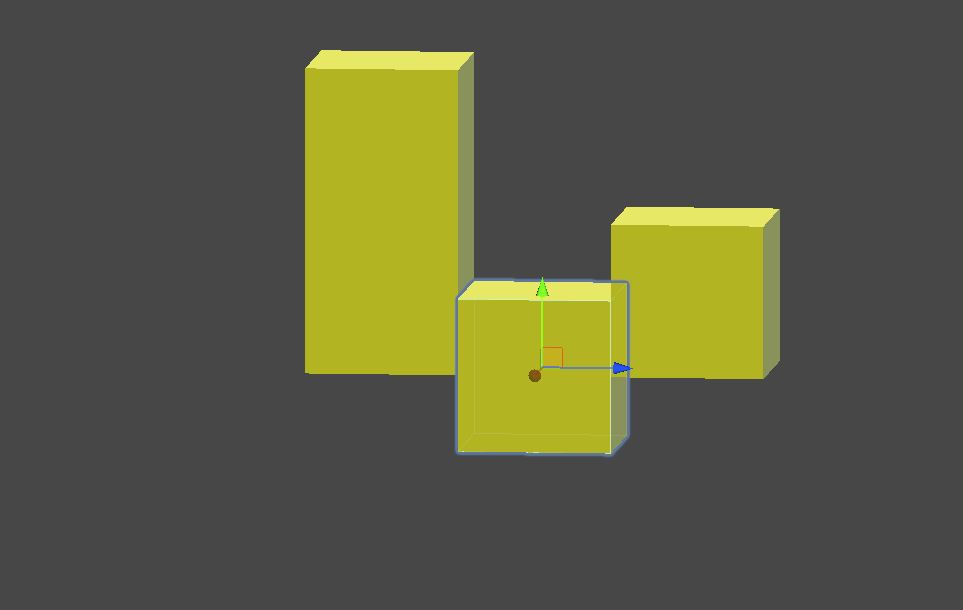
To fix this, turn on Add pivot offset.
Custom
Customization value of the position on the Y axis.


Custom local offset (0, 4, 0) example.
Custom Floor
Placement of the object on the selected floor.

Replace
Replace is used to replace intersected objects.
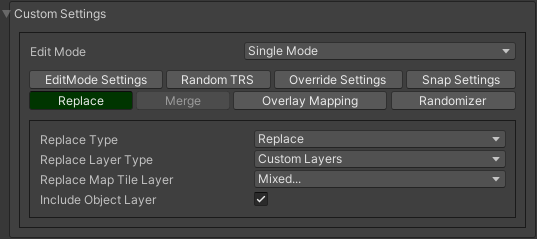
The object cannot be placed.

Enable replace to replace intersected objects.
Merge
Merge is used to create an object by adding a child to an existing one.
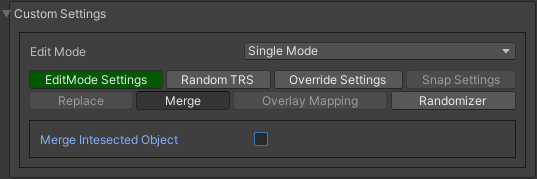
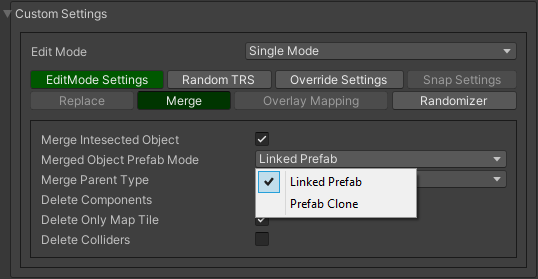
- Merge object prefab mode:
Linked prefab : the created object is a linked prefab.
Prefab clone : the created object is a prefab clone.

- Merge parent type:
Target object prefab root : the object created is a child of the prefab root.
Target object parent of hit : the created object is created by a child of the attached object.
Custom parent : user selected custom parent.
Relative prefab root path : the created object is created by a child of the prefab root relative to prefab root path.
- Delete componentsdelete all unity-components of the object.
- Delete only map tile
or only MapTile component.

For example, use the brush to attach the object to the desired object.

And create it (by default, by pressing E key).
Overlay Mapping
Overlay mapping is used for objects that do not need to calculate intersections with other objects on the grid, or to set a custom grid or disable snapping to the grid.
Overlay objects - are game objects that have a MapTile component and an overlay layer, or default GameObjects (without MapTile component).

You can enable it for MapTile layers 1-9 (enabled by default for overlay layer objects and default gameobjects (without MapTile component)).
Movement Type

Free movement
Object attached to the cursor.
Default cell
Object snapping to default cell size.
Custom cell
Object snapping to custom cell size.

Custom cell snapping example (custom cell size is equal 4).
Snap edge
Object snapping to edges of the default cell.

Snap edge example 1.

Snap edge example 2.
Floating grid
Custom grid layout.

- Floating grid type:
- Custom positionthe grid is positioned at a user-defined position.
Grid size : custom grid size.
- Flexiblethe size of the grid can be adjusted by the user on scene.
Lock center : the centre of the grid is fixed.
Follow cursor : the centre of the grid is at the cursor.
- Snap gridsnap the grid position.
Snap grid value : the value of snapping.
Custom grid center offset :
Obstacle Check Type
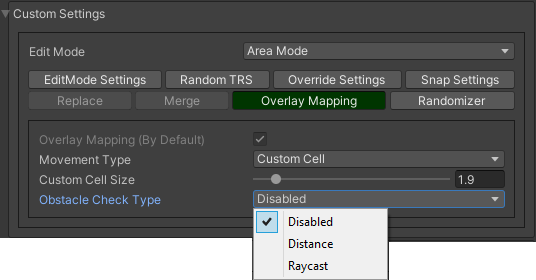
Distance
Object intersections are checked by distance (only works for MapTile overlay grid objects).

Obstacle distance check example.
Raycast
Object intersections are checked by raycasts (works only for any gameobject with colliders).

Obstacle raycast check example.
Randomizer
Enable randomize objects to randomize each object creation.
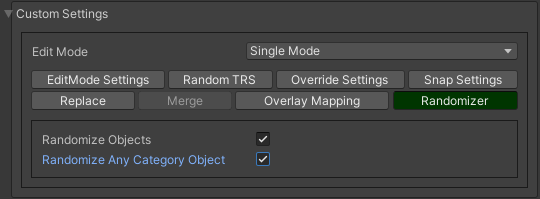
Randomize any category object : any object of the selected category involved in the randomization.


Object randomization example (by default, by pressing the space bar button).
Or select custom objects to randomize.

Enter random pattern according to the indices of the selected objects.
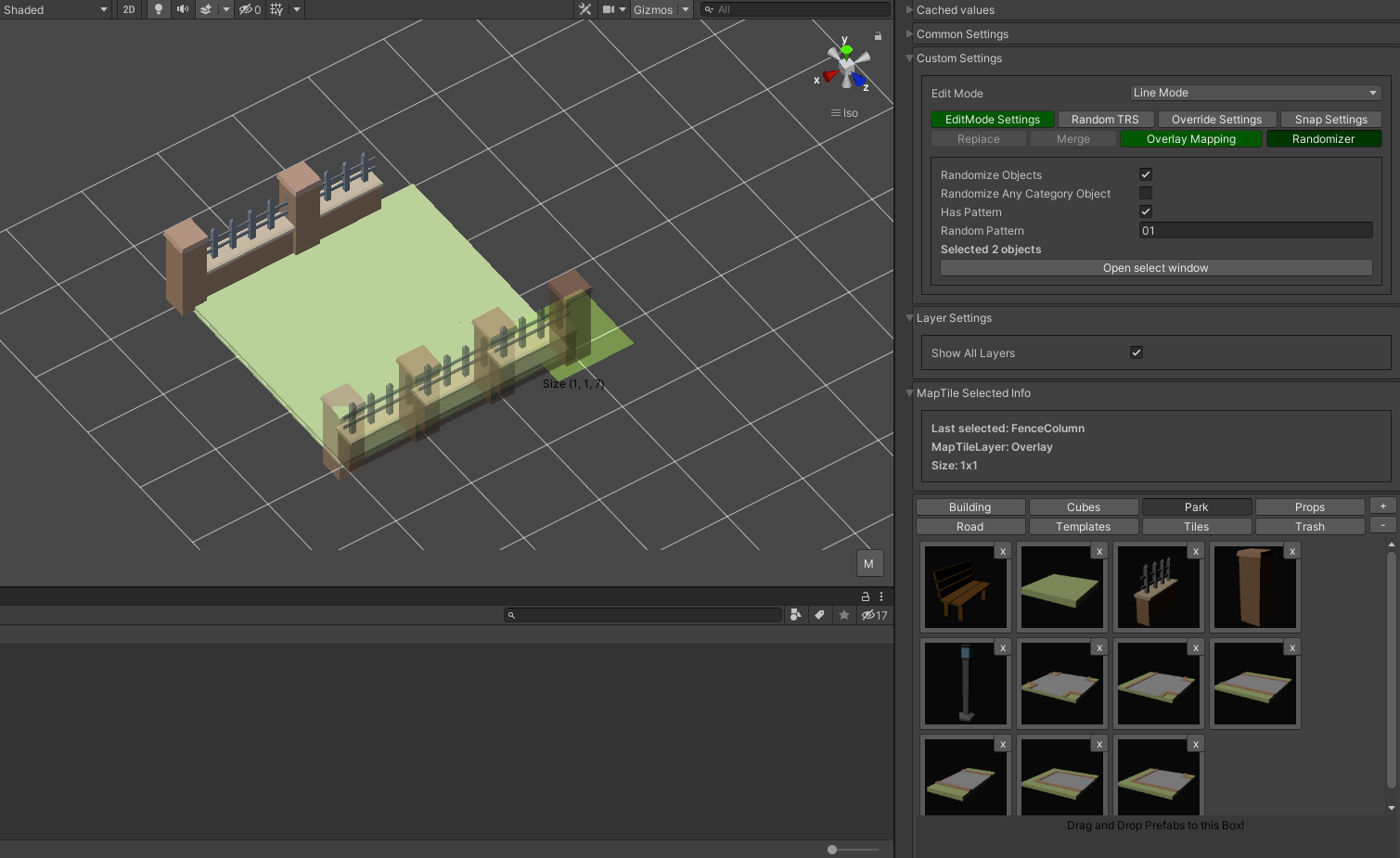
And place the objects according to the pattern.